For fast ecommerce testing: Meta Advantage+ Creative for variations inside Ads Manager, Canva for static hooks, AdCreative.ai for bulk statics, Creatify for UGC-style video, Pencil Pro for agency volume, AI Studios for multilingual avatar video.
How we compared
Creative testing in ecommerce breaks on throughput, not on taste. You need a fresh hook, a new first frame, and a vertical format ready before the week’s budget resets.
Six axes decided the order below. Each maps to a question you ask before you pay for anything.
- Time to first testable asset — minutes from a product photo or URL to an upload-ready 4:5 or 9:16 file.
- Where the AI runs — inside Meta Ads Manager, or in an external editor you export from.
- Format coverage — Feed, Reels, Stories, catalog carousels.
- Price in one comparable unit — cost per seat per month, not plan names.
- Product-data fit — whether it can work from your catalog imagery and SKU copy.
- Video depth — scripts, voiceover, presenters, languages.
What we checked, and what we did not
This is desk research by the AI Marketings editorial team, built from vendor documentation and published platform guidance rather than live ad accounts. Flighted counts nine distinct Advantage+ creative enhancement types, ranging from brightness adjustments to full generative-AI background generation, which is why Meta’s own toolkit opens the list.
No campaigns were run for this piece. Nothing here is a performance claim — no CPA, no ROAS, no win rates.
Current pricing and feature lists for AdCreative.ai, Creatify, Pencil Pro and Canva’s non-price details were not verified. Treat each vendor’s own pricing page as the source of truth, and re-check it the week you buy.
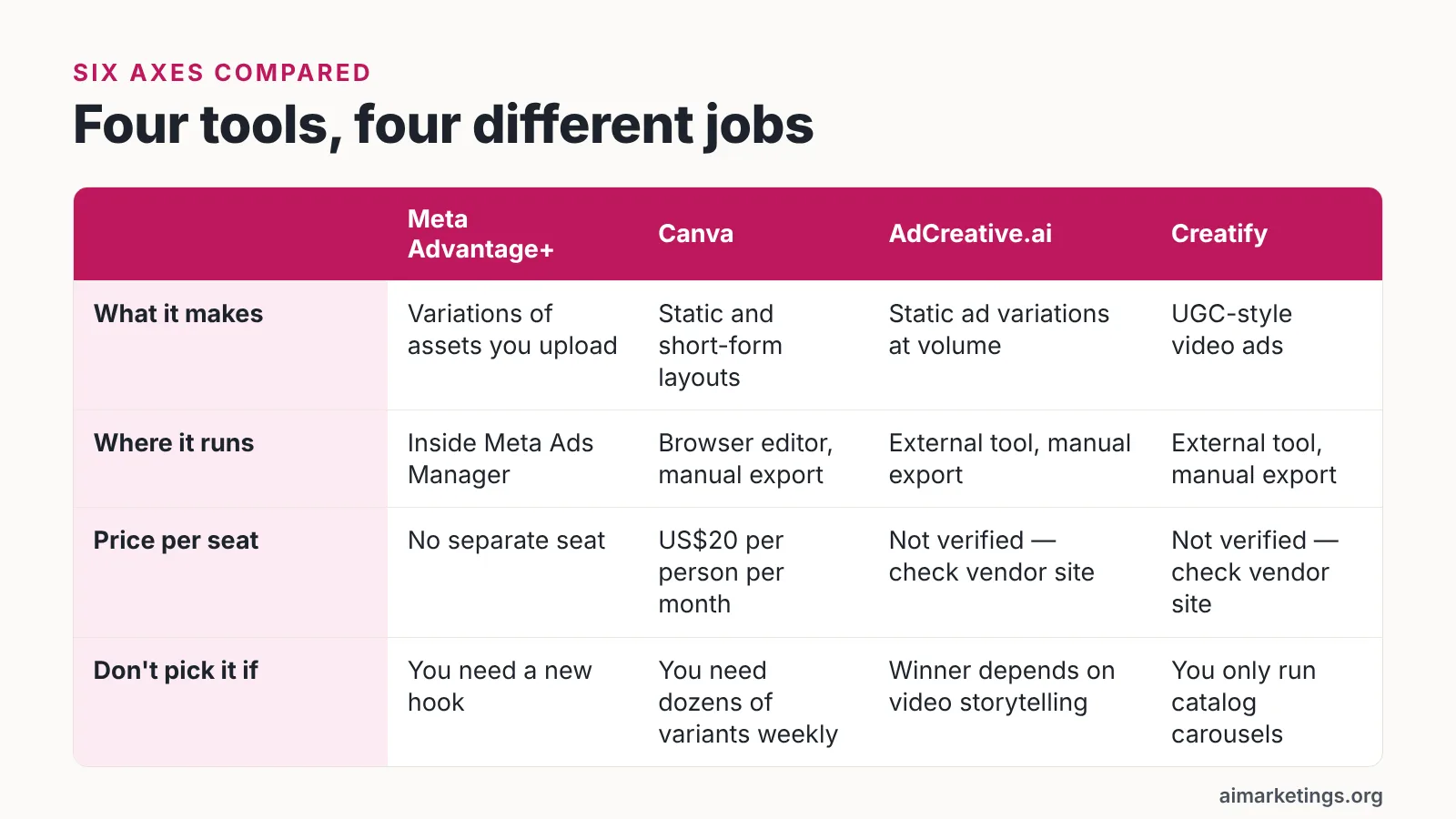
| Tool | What it makes | Where it runs | Price in a comparable unit | Don’t pick it if |
|---|---|---|---|---|
| Meta Advantage+ Creative | Variations of assets you upload | Inside Meta Ads Manager | Part of the ad platform, no separate seat | You need a new hook, not a cropped one |
| Canva | Static and short-form layouts | Browser editor, manual export | US$20 per person per month, no seat minimum (Canva Newsroom) | You need dozens of variants per week |
| AdCreative.ai | Static ad variations at volume | External tool, manual export | Not verified — check vendor site | Your winner depends on video storytelling |
| Creatify | UGC-style video ads | External tool, manual export | Not verified — check vendor site | You only run catalog carousels |
| Pencil Pro | Creative generation for multi-brand teams | External tool, manual export | Not verified — check vendor site | You manage a single small store |
| AI Studios | Avatar video, text-to-video, dubbing | Cloud workspace, manual export | $24 per month on Personal, billed annually | You need dynamic product feeds |
1. Meta Advantage+ Creative
The cheapest variation you can run is the one Meta generates from an asset already in your ad account. Advantage+ creative enhancements adjust what you uploaded instead of producing a new ad concept.
Meta says its generative AI image expansion feature is available on Reels and Feed across both Instagram and Facebook and can work alongside text overlays on ads. For a store with square product photography, that means one shot can fill a vertical Reels frame without a designer re-cropping every SKU.
Scope matters here. In Meta’s Advantage+ creative enhancements, Generate Background is restricted to Advantage+ catalog ads and automatically serves the background version the audience is most likely to respond to, according to Sprinklr’s Help Center.
That restriction catches people out. A single-image prospecting ad will not get the generated-background treatment just because the toggle exists somewhere in the interface.
Use these enhancements as your control arm. They crop, brighten and expand; they do not write the angle that makes someone stop scrolling.
Best for: stores already running catalog or Advantage+ shopping campaigns that want more placements covered without new production.
Skip it if: your edge is a specific hook or founder story, or you need clean attribution — auto-applied changes make it harder to credit a lift to one creative decision.
2. Canva
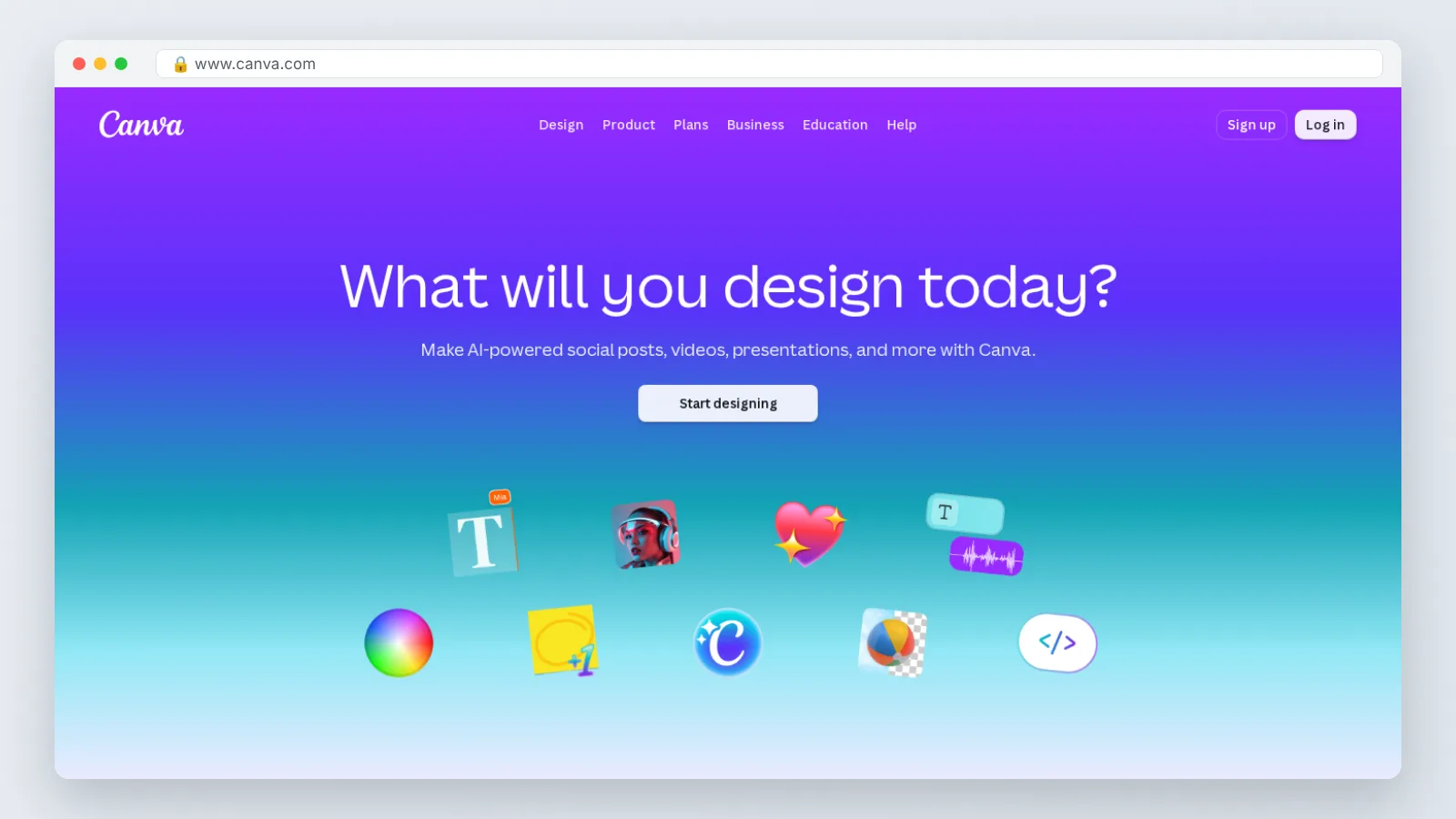
Canva earns its place when the bottleneck is layout and resizing, not ideation. You already know the hook; you need it as a 4:5 static, a 9:16 story frame and a thumbnail by Thursday.
Canva Business costs US$20 per person per month with no seat minimum, so a solo ecommerce operator can buy a single seat, according to Canva’s newsroom announcement. That per-seat figure is the benchmark to hold every other tool against.
For a three-person team the math is simply that rate applied to each person who needs editing rights. Everyone else can stay on view-only and comment.
The practical workflow for ecommerce is unglamorous and fast. Build one master layout per offer, swap the product shot and the headline, export three aspect ratios, upload.
What Canva will not do is decide which of your twelve exports deserves budget. That judgment stays with you and your test plan.
Best for: one- to five-person stores producing a handful of considered creatives each week, where brand consistency matters more than raw volume.
Skip it if: you need twenty-plus fresh statics weekly — manual editing time becomes the constraint no matter how good the templates are.
3. AdCreative.ai
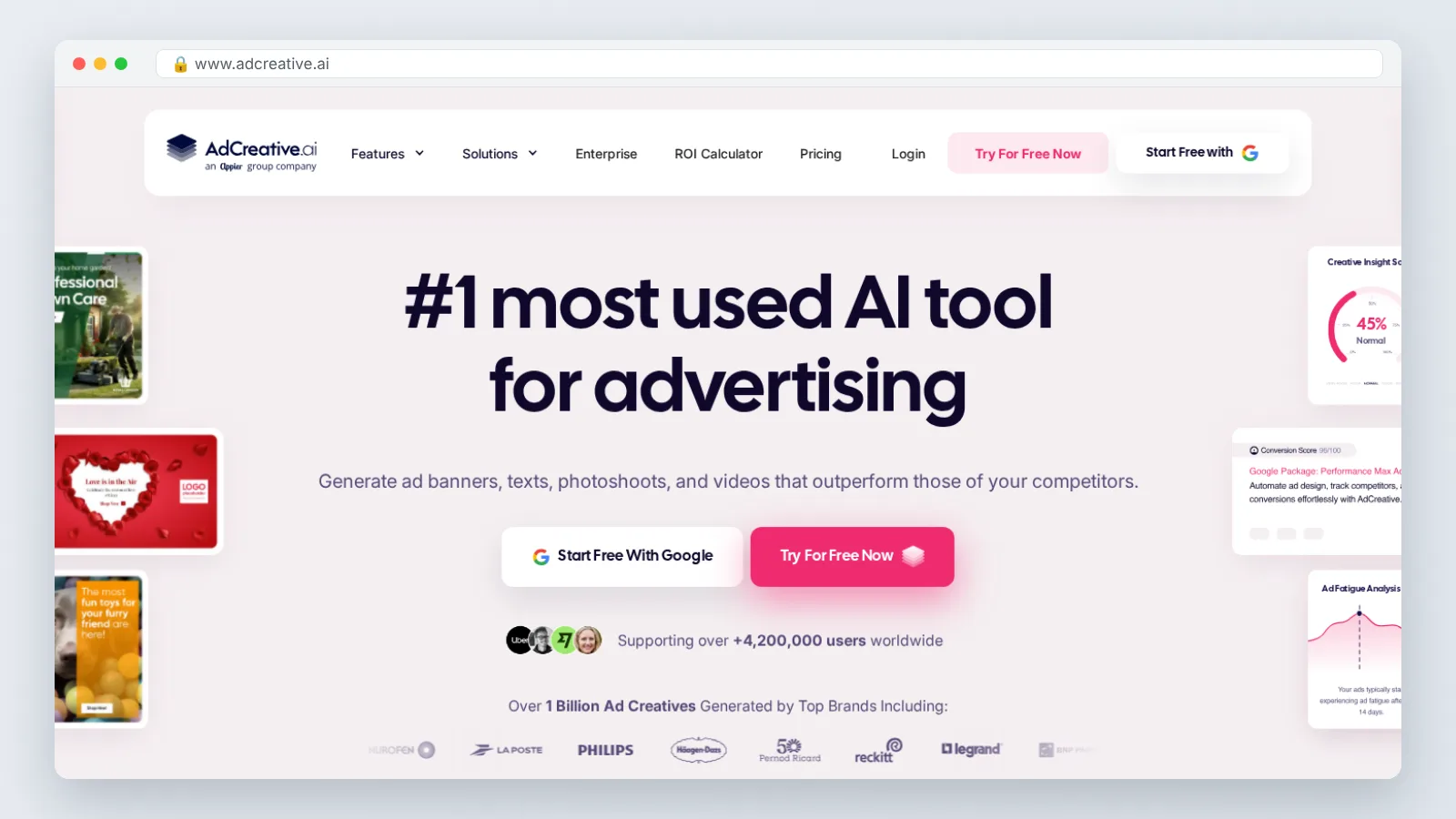
Bulk static generation is a different job from careful design. AdCreative.ai is positioned for paid social teams that want many ad-creative variations quickly, and that is the slot it fills in this list.
Its current outputs, model behavior and pricing were not verified for this article, so confirm them directly before committing a card.
The discipline you bring matters more than the generator. Lock your brand colors and product crop first, generate a batch around one offer, then cut the batch down to four or five genuinely different concepts.
Near-duplicate variants are the trap. Ten layouts of the same sentence split your budget across noise and teach you nothing about which message works.
A useful rule: if two creatives would make a customer say the same thing out loud, they are one creative. Ship the strongest version and keep the rest in reserve.
Best for: stores or small agencies running weekly static tests across several SKUs, where volume genuinely outpaces what one designer can produce.
Skip it if: your category sells through demonstration or storytelling, where a thirty-second video beats any static grid.
4. Creatify
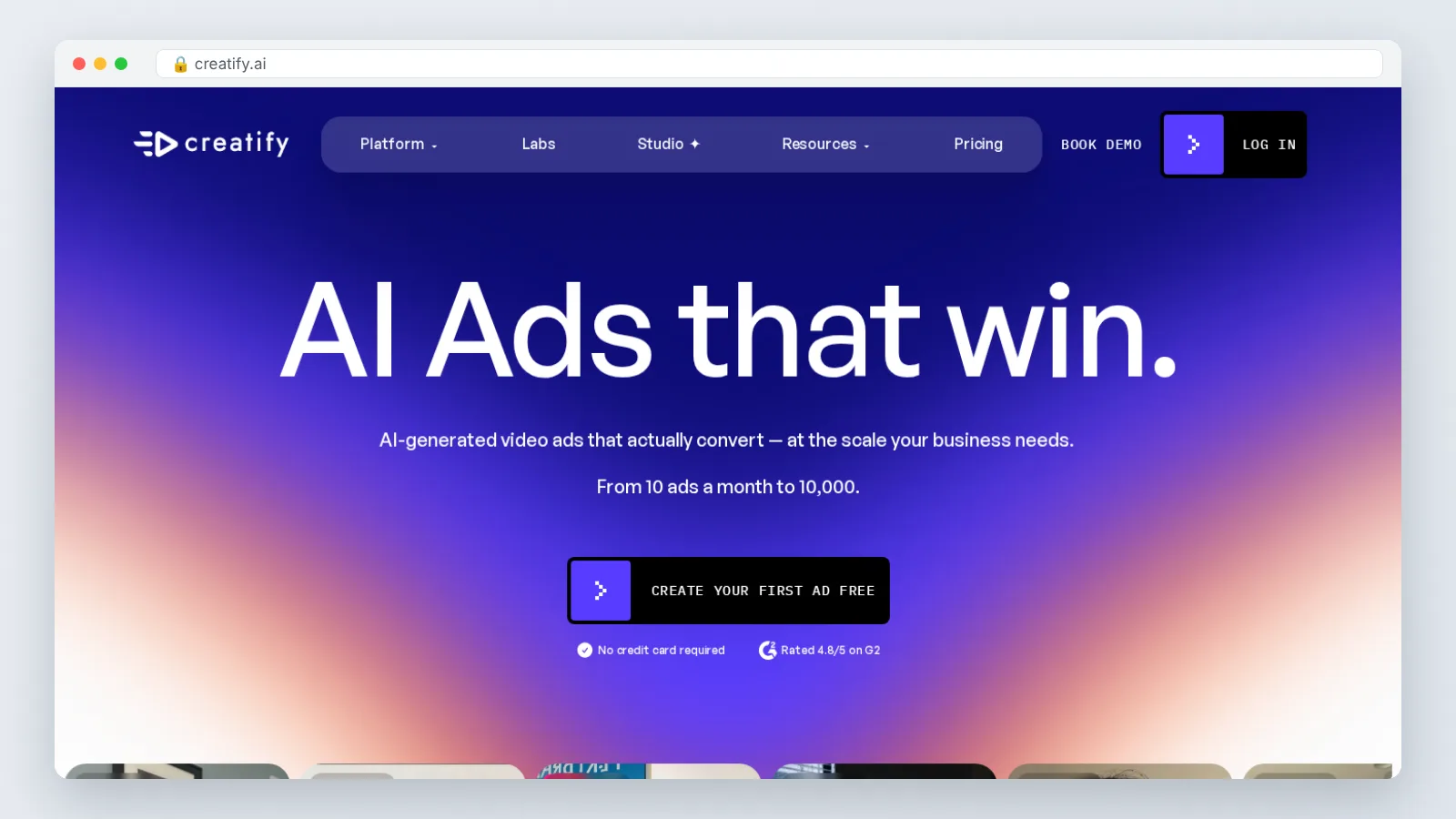
Talking-head and UGC-style video is where most ecommerce accounts find their next winner after statics plateau. Creatify markets itself to brands that want that format produced from product inputs rather than from a shoot — a claim worth testing against your own footage standards, since its current feature set and pricing were not verified here.
Script structure decides performance more than the avatar does. Name the problem in the first line, show the product in use by the second, and keep the whole script tight enough to read aloud in under thirty seconds.
One alternative fits a specific case: shipping the same winning script into several markets. AI Studios’ avatar and dubbing workspace is DeepBrain AI’s cloud platform for AI avatar videos, text-to-video content and video translations, combining avatar creation, dubbing, text-to-speech and generative tools in one place.
Its Personal plan is listed at $24 per month when billed annually and includes unlimited AI videos up to 30 minutes each, 1080p export, 3 custom avatars, 120 minutes of AI dubbing per month and 60 generative credits per month. Text-to-speech voiceovers are available in 150+ languages and accents on paid plans, and in 30+ languages on the Free plan. AI Studios was named a CES 2022 Innovation Awards Honoree and received the NAB Show 2022 Product of the Year award.
The honest limitation: the Free plan costs $0 and allows up to 3 AI videos of up to 1 minute each in 720p with 16 one-time generative credits, which is enough to audition an avatar and not enough to feed weekly Reels testing. It also does not build dynamic catalog carousels, so those still get made in Ads Manager or Canva.
Best for: stores whose statics have stalled and that need a steady supply of spoken-hook video.
Skip it if: your whole account runs on catalog carousels, where generated presenters add production cost without touching the format that converts.
5. Pencil Pro
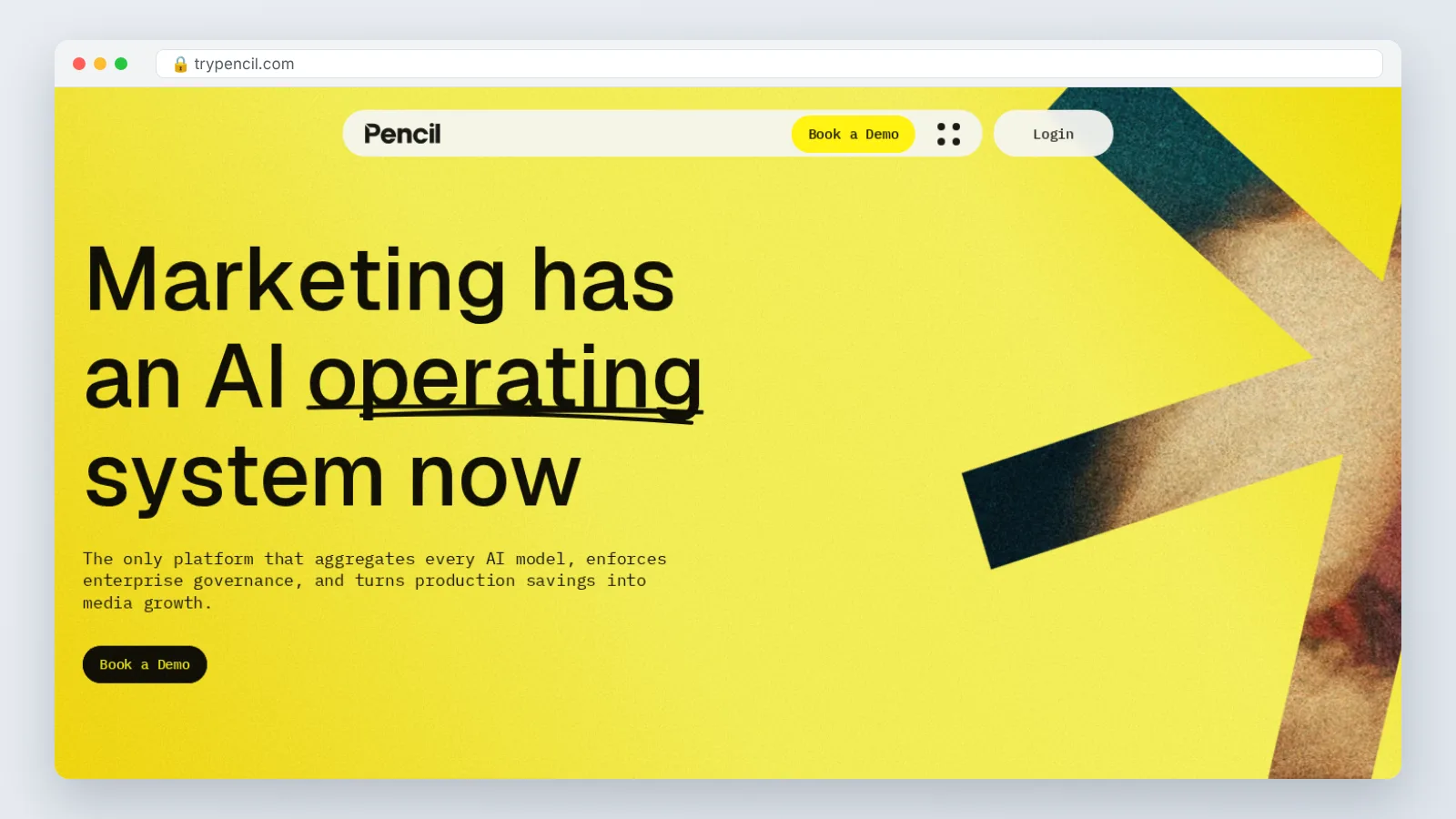
Agency-style volume creates a different problem: deciding which of forty concepts deserves spend across five client accounts. Pencil Pro is marketed to ecommerce brands and agencies that want creative generation tied to performance feedback, and its present capabilities and pricing were not verified for this comparison.
Treat any predicted-performance score as a tiebreaker, never as a verdict. Prediction narrows a shortlist; live spend decides the winner.
The sensible process is to generate widely, shortlist on strategic difference, then launch three to five concepts against one control. Keep the control running even when it looks tired, because without it you cannot tell a seasonal dip from a creative failure.
Multi-brand teams also need naming hygiene that no tool enforces for you. Label each file by hook and format so a quarterly review takes an hour instead of a day.
Best for: agencies and in-house teams managing several stores at once, where throughput and shortlisting both hurt.
Skip it if: you run one store with a modest monthly budget — platform-level enhancements plus a design tool cover the same ground for less overhead.
Which one fits you
Start from your constraint, not from the tool list. Production capacity, catalog complexity and language needs point to different answers.
Meta’s video expansion enhancement only covers up to the first 15 seconds of a video and runs on Facebook Feed and Reels, according to AdsUploader’s 2026 guide, so front-load your hook inside that window regardless of which tool produced the file.
| Your situation | Where to start |
|---|---|
| Catalog ads already live, no design help | Meta Advantage+ Creative, plus Canva for static hooks |
| Solo operator, design is the bottleneck | Canva at US$20 per person per month with no seat minimum |
| You need twenty-plus statics weekly | AdCreative.ai, after verifying current pricing |
| Statics have plateaued, you need video | Creatify for UGC-style spots |
| One winning script, several markets | AI Studios, with 150+ languages on paid plans |
| Several stores or clients to serve | Pencil Pro |
| Zero budget this month | Meta enhancements plus the AI Studios Free plan |
Whichever you pick, change one variable per test. New hook or new format, not both at once.
Keep your control creative live, name files by hook rather than by date, and give each test enough budget to leave the learning phase before you judge it. The tool only shortens production; the test design is still yours.
Frequently asked questions
Which AI tool gets a Facebook ad creative live fastest?
Meta Advantage+ Creative, because it works on an asset already uploaded to Ads Manager rather than requiring an export and re-upload. Flighted counts nine distinct Advantage+ creative enhancement types, ranging from brightness adjustments to full generative-AI background generation, so one upload can cover several placement variations.
Do I still need a separate design tool if I use Advantage+ enhancements?
Usually yes. Enhancements adjust what you supply — Meta says its generative AI image expansion feature is available on Reels and Feed across both Instagram and Facebook and can work alongside text overlays on ads — but they do not write a new hook or build an offer layout, which is where a seat-based editor earns its cost.
What does AI ad creative realistically cost a one-person store per month?
Canva Business costs US$20 per person per month with no seat minimum, according to Canva’s newsroom, and AI Studios’ Personal plan is listed at $24 per month when billed annually. Running only Meta’s built-in enhancements plus the AI Studios Free plan, which costs $0 and allows 3 videos of up to 1 minute each in 720p, keeps software spend at zero.
Can these tools produce ad videos in other languages?
Yes, for presenter-led video. AI Studios offers text-to-speech voiceovers in 150+ languages and accents on paid plans and 30+ languages on the Free plan, plus voice cloning from a short recording, which suits one script shipping to several markets rather than one localized shoot per country.
How long should the hook be in an AI-generated video ad?
Put the hook as early as the format allows. Meta’s video expansion enhancement only covers up to the first 15 seconds of a video and runs on Facebook Feed and Reels, according to AdsUploader’s 2026 guide, so write the problem statement and the product reveal inside that opening window and treat anything later as support.
Sources
- Meet Canva Business: A powerful new plan for small businesses with big ambitions (Canva Newsroom)
- Introducing Enhanced Gen AI Features and Other Tools to Help Build Your Business — Meta for Business
- Meta Advantage+ Creative — Sprinklr Help Center
- Advantage+ Creative Enhancements: The Complete 2026 Guide — AdsUploader
- Meta’s Advantage Plus AI Creative Enhancements: Each One Explained — Flighted
Written with AI assistance and fact-checked against the sources cited above before the AI Marketings Editorial Team published it.