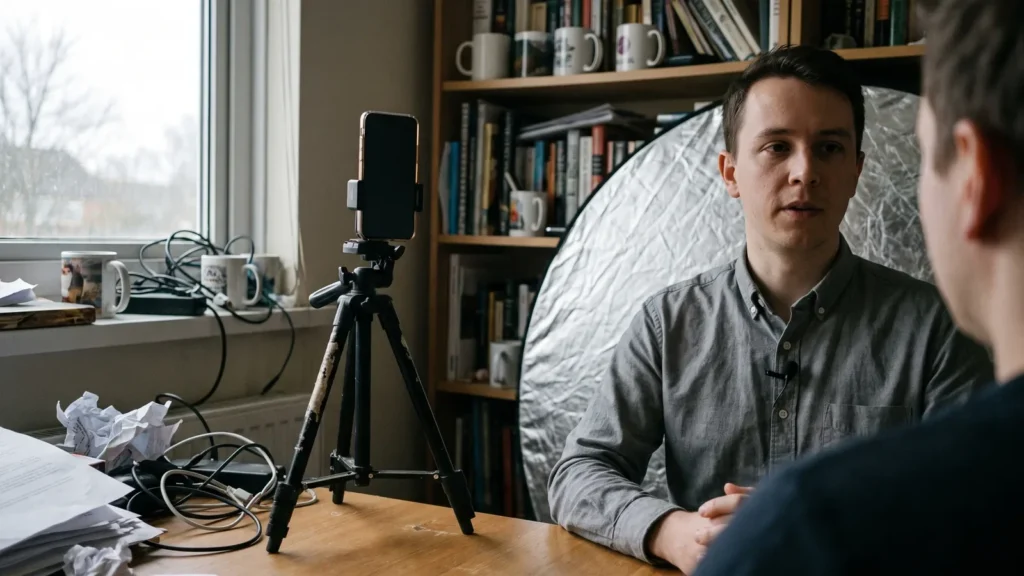
Write from real customer language, cast a synthetic presenter that never claims to be a buyer, film handheld-style imperfection, then apply platform AI labels and paid-partnership toggles before the ad ever goes live.

What AI UGC ads are — and why "authentic" now means "disclosed"
An AI UGC ad is a paid social creative built to look like a customer’s phone video — handheld framing, room audio, a face talking straight to the lens — but generated or heavily assisted by AI. The format converts because it reads as a person rather than a brand. The legal risk sits in exactly the same place.
Regulators separate style from claim. The FTC’s Rule on the Use of Consumer Reviews and Testimonials took effect on October 21, 2024, according to the Federal Trade Commission, and it targets deceptive and unfair conduct involving reviews and testimonials. Shooting in a UGC style is allowed. Presenting a synthetic person as a verified buyer is a different thing entirely.
Sort your creative into four buckets before anyone opens a generator:
- Real UGC — footage a real customer shot and licensed to you.
- Creator ad — a paid real person, disclosed as a paid partnership.
- AI UGC — a synthetic presenter in UGC style, who demonstrates the product and never claims to have bought it.
- AI-assisted real footage — real customer video with AI dubbing, cleanup or face alteration applied.
The last two carry disclosure duties the first two do not. Decide the bucket first, because it determines your script, your labels and your approval path.
Step 1 — Mine real customer language before you write a single prompt
Time: 60–90 minutes. What you need: review exports, your last 100 support tickets, two or three recorded sales calls, and a single spreadsheet tab.
Pull verbatim phrases, not themes. "I kept forgetting to reorder" beats "convenience is a key driver" every time, because the first one is how a person actually speaks and the second is how a deck speaks. Copy the exact words, including the awkward ones.
Tag each line into four columns as you go:
- Trigger — what broke on the day they went looking.
- Objection — the reason they almost didn’t buy.
- Switch moment — the specific thing that convinced them.
- Outcome words — how they describe life after, in their own vocabulary.
This sheet becomes structure, never quotation. You are borrowing speech patterns and objection order, not attributing statements to named individuals who were never filmed. A good target is ten usable trigger lines and five objection lines per product before you stop mining.
Save the source file paths next to each line. If a platform reviewer or your own counsel asks where a claim came from, you want a two-click answer rather than a memory.
Step 2 — Script and cast a synthetic creator that never poses as a real customer
Time: about two hours per concept. What you need: your language sheet, a claims list your legal or product lead has approved, and an avatar and voice source.
Under the FTC rule, businesses may not write or sell consumer reviews or testimonials attributed to people who do not exist, which expressly includes AI-generated reviews, as Kelley Drye’s Ad Law Access summarizes. The practical translation for your script is short. Your synthetic presenter demonstrates, explains and compares — it does not testify.
Ban these lines from every AI UGC script:
- "I bought this and…" or any implied purchase history.
- A fabricated first name, city or job title designed to read as a real buyer.
- Personal results claims ("I lost…", "my revenue went…").
- Star ratings or "verified" framing spoken by the character.
The penalty math explains the strictness: knowing violations of the FTC’s fake reviews rule can trigger civil penalties of up to $51,744 per violation plus consumer restitution, according to WilmerHale.
For casting, one workable option is AI Studios’ avatar and voice library, DeepBrain AI’s cloud platform for AI avatar videos, text-to-video and video translation. AI Studios lists 40+ studio-made stock avatars on its Free plan, 100+ on Personal, and 155+ on Team and Enterprise, plus more than 1,000 AI voices and voice cloning from a short recording. The limitation is real: studio-made avatars tend to read as presenter-style rather than handheld-selfie, so for a raw bedroom-confessional hook, paying a real creator to shoot on their own phone still looks better.
Step 3 — Generate footage that looks human: framing, audio, pacing and imperfection
Time: 2–4 hours for a first cut. What you need: a 9:16 timeline, room-tone audio, and a caption tool.
Polish is what kills AI UGC. A perfectly centered subject, studio-even lighting and a flawless read signals "ad" inside two seconds, and the viewer’s thumb answers accordingly.
Build the imperfection deliberately:
- Framing — put the face slightly off-center, crop the top of the head, allow a little handheld drift.
- Lighting — one window as the key source, visible falloff on one side, no fill.
- Audio — add light room tone, keep breaths, let one word land soft.
- Pacing — open mid-thought, cut on the stumble, change the shot before the sentence finishes.
- Background — a lived-in corner with clutter, not a clean wall.
Match captions word-for-word to the spoken audio. Mismatched captions are a common rejection trigger and they also break trust with viewers who watch muted.
Keep the first script tight — under about 130 words is a reasonable working ceiling for a 30-second cut. If the read feels rushed at that length, cut a claim rather than speeding up the voice, because fast synthetic speech is the single most obvious tell.
Step 4 — Apply platform AI labels, paid-partnership toggles and claim substantiation
Time: 20 minutes per asset. What you need: upload access, your claims file, and a record of which tool generated which element.
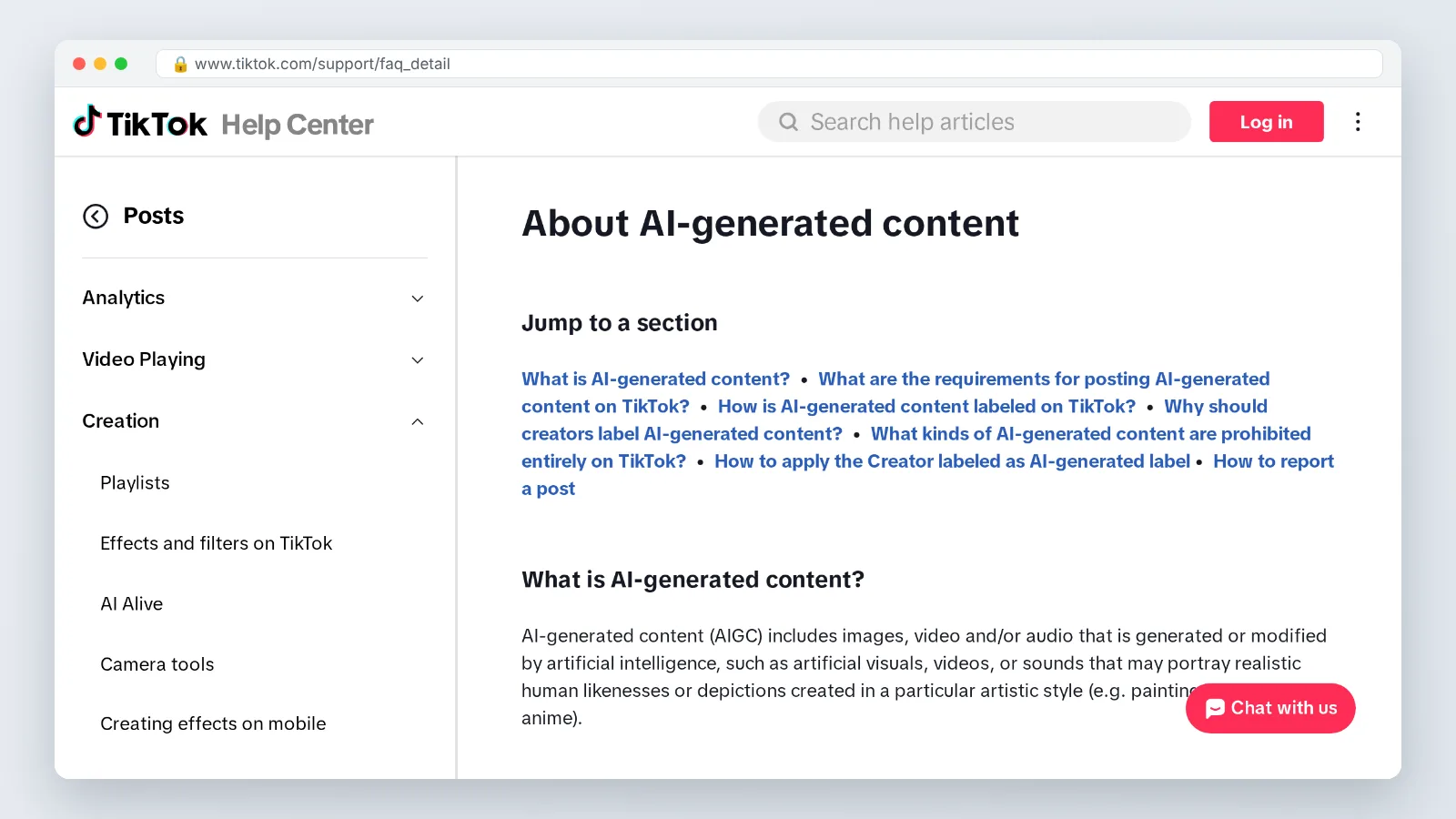
TikTok updated its advertising policies on July 21, 2026 to require disclosure labels on AI-generated content used in ads, according to Common Thread Collective. The same analysis notes that TikTok uses C2PA Content Credentials to automatically detect AI-generated material created on other tools and uploaded to the platform, so stripping metadata is not a strategy.
Branded content carries two separate switches. On TikTok, branded content using AI voiceovers, face alterations or synthetic visuals must carry the AI-generated label in addition to the paid-partnership commercial toggle, per Mega Digital’s branded content policy breakdown. Setting one and forgetting the other is the most common filing error.
EU advertisers have a parallel duty. Article 50 of the EU AI Act, which sets transparency duties for providers and deployers of generative AI systems and deepfakes, applies from 2 August 2026, according to the European Commission. The Commission also states that advertisers deploying AI-generated content cannot satisfy their own disclosure duty simply because the generation tool embedded machine-readable marking in the file — you still disclose to the human viewer.
Pair every spoken claim with a substantiation line in your claims file: the claim, the evidence, the date, the owner.
Step 5 — Launch, measure and iterate without re-triggering policy review
Time: ongoing, roughly 30 minutes a week per active concept. What you need: a creative registry and naming convention.
Ship variants that hold one thing constant. Change the hook and keep the demo, or change the demo and keep the hook — changing both leaves you unable to explain a win. Three to five variants per concept is a manageable batch for a small team.
Log every asset in a registry with these columns: file name, which elements are AI-generated, label state, paid-partnership state, claims used, approval date. Re-uploads are where teams slip, because a re-export can carry Content Credentials while the new ad entry sits unlabeled.
When a variant wins, duplicate it before editing. Editing a live, approved ad to swap in a stronger claim is the fastest route back into review and the fastest route to a throttled spend curve.
Read the comments daily for the first 72 hours. Viewer reports calling an ad a fake testimonial are both a policy signal and a creative signal — the script read as testimony when it should have read as demonstration.
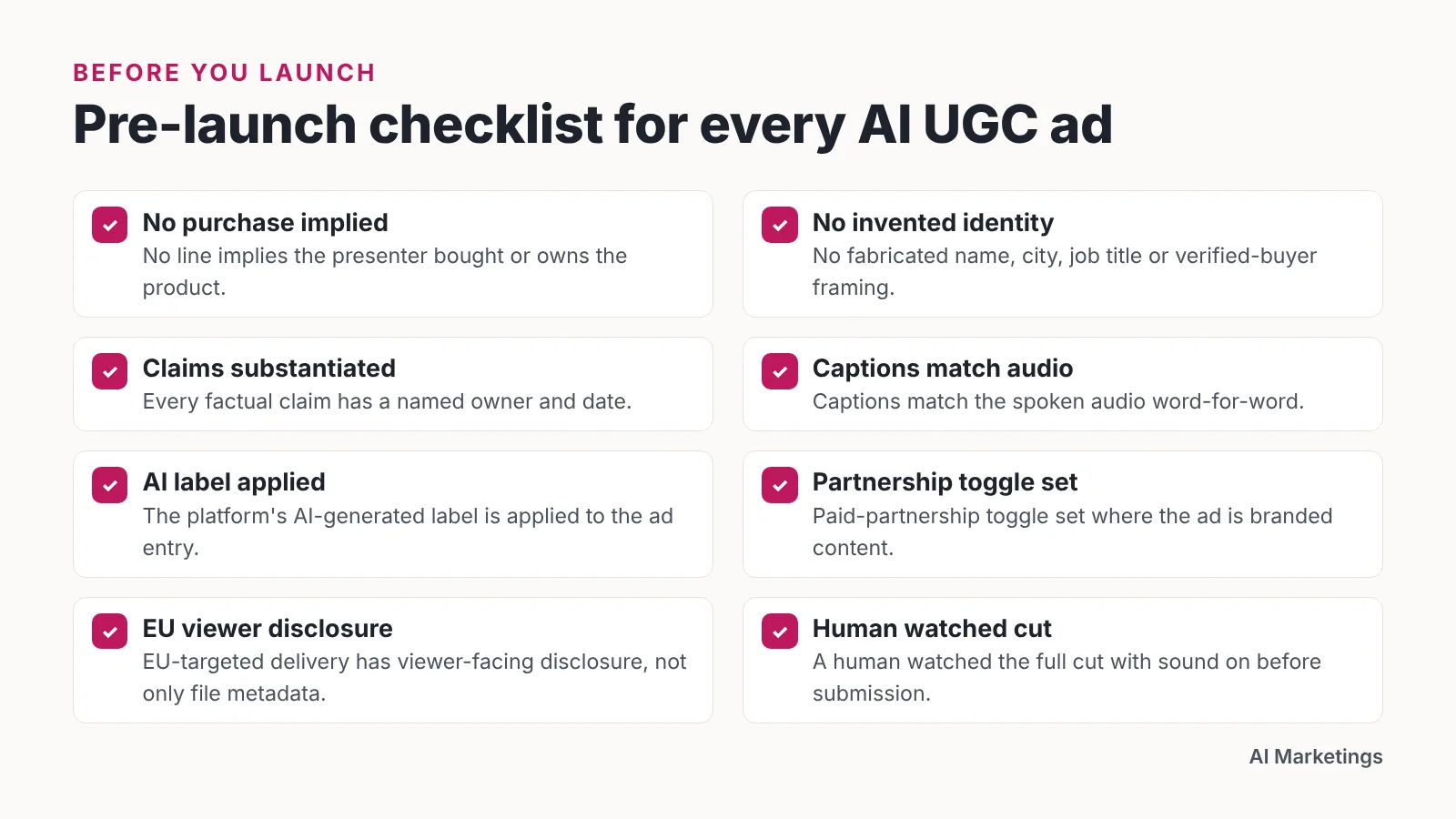
Pre-launch checklist for every AI UGC ad
Run this before the ad goes live, not after a rejection email lands. Each item maps to a step above, and the whole pass should take under fifteen minutes once your registry exists.
- ☐ No line implies the presenter purchased, owns or personally benefited from the product.
- ☐ No invented name, city, job title or "verified buyer" framing appears on screen or in audio.
- ☐ Every factual claim has a substantiation entry with a named owner and date.
- ☐ Captions match the spoken audio word-for-word.
- ☐ The platform’s AI-generated label is applied to the ad entry.
- ☐ The paid-partnership or branded-content toggle is set where the ad is branded content.
- ☐ You know which elements are synthetic — voice, face, background, b-roll — and it is written down.
- ☐ EU-targeted delivery has a viewer-facing disclosure, not only file metadata.
- ☐ Pricing, guarantees and availability shown in frame match your live site today.
- ☐ The landing page repeats the same claim in the same strength as the ad.
- ☐ A human watched the full cut with sound on before submission.
Common mistakes that get AI UGC ads rejected, throttled or reported
The failure that costs the most is the accidental fake testimonial. A team writes a demonstration script, a copywriter softens the opener to "I’ve been using this for three months," nobody flags it, and a synthetic face is now attributing a purchase history to a person who does not exist. Avoid it by making the opening line a locked field in your script template that only an approver can change.
Four more patterns worth watching:
- Labeling the file, not the ad. Metadata is not viewer-facing disclosure; set the platform toggle.
- Reusing an approved cut with a new claim. Duplicate first, edit the copy, resubmit.
- Over-polished delivery. Flawless reads suppress watch time and invite "this is a bot" comments.
- Claim drift between ad and landing page. Reviewers compare them; so do customers.
One habit prevents most of this: separate your creative decisions from your compliance decisions and give them different owners. The person chasing a hook rate should not be the person deciding whether a sentence counts as a testimonial.
This is general information, not legal advice — US advertisers should review FTC guidance with counsel, and EU deployers should confirm their Article 50 obligations before launch.
Frequently asked questions
Are AI UGC ads legal in the United States?
Yes, as a creative style. The FTC’s Rule on the Use of Consumer Reviews and Testimonials took effect on October 21, 2024 and targets deceptive conduct involving reviews and testimonials, so the line is attribution: a synthetic presenter may demonstrate a product but must not be presented as a real customer giving a testimonial.
Do I have to label AI UGC ads on TikTok?
Yes. TikTok updated its advertising policies on July 21, 2026 to require disclosure labels on AI-generated content used in ads, according to Common Thread Collective, and branded content using AI voiceovers, face alterations or synthetic visuals needs the AI-generated label plus the paid-partnership toggle, per Mega Digital.
Does C2PA metadata handle disclosure for me?
No. The European Commission states that advertisers deploying AI-generated content cannot satisfy their own disclosure duty simply because the generation tool embedded machine-readable marking in the file. Metadata also works against you operationally, since TikTok uses C2PA Content Credentials to detect AI material created on other tools and uploaded to the platform.
What happens if a synthetic presenter says "I bought this"?
You have created a testimonial attributed to a person who does not exist, which the FTC rule expressly covers including AI-generated reviews. WilmerHale reports that knowing violations can trigger civil penalties of up to $51,744 per violation plus consumer restitution, so lock the opening line in your script template.
Which tool should I use to produce the presenter?
Pick based on how raw the footage needs to look. AI Studios lists 40+ stock avatars on Free, 100+ on Personal and 155+ on Team and Enterprise, with 1,000+ AI voices and voice cloning; its Free plan allows only 3 videos of up to 1 minute at 720p, and for a genuinely handheld selfie feel, paying a real creator still looks better.
Sources
- The Consumer Reviews and Testimonials Rule: Questions and Answers — Federal Trade Commission
- FTC Finalizes Rule on "Fake Reviews" — Kelley Drye Ad Law Access
- FTC Finalizes Rule Banning Fake Reviews and Testimonials — WilmerHale
- Guidelines on transparency obligations for providers and deployers of certain AI systems — European Commission
- Transparency obligations under Article 50 of the AI Act — European Commission
- TikTok’s New AI Ad Disclosure Rules: What Ecommerce Brands Using AI Creative Must Do Now — Common Thread Collective
- TikTok Branded Content Policy: Requirements, Prohibited Products & How It Works — Mega Digital
Written with AI assistance and fact-checked against the sources cited above before the AI Marketings Editorial Team published it.