The best ai marketing tools 2026 offers a small team are HubSpot Marketing Hub, Mailchimp, Jasper, Canva Magic Studio and Zapier — chosen on published per-seat cost, contact and send caps, and output you can ship weekly.
How we compared
Five axes decided this list: cost converted to a comparable unit, the asset each tool actually produces, the limit that bites first, how much work it takes to move off it later, and how quickly a non-specialist gets something publishable.
One caveat belongs up front, before any of the picks. No ROI benchmark was run for this guide, and nothing here was tested hands-on. Every price and limit below was read from a vendor’s public pricing or help page on October 14, 2026, and negotiated or enterprise rate cards were not available. That makes this a cost comparison you can act on rather than a measured return, and the ROI question stays yours to answer with your own numbers. Where a vendor does not publish a figure, this guide says so instead of inventing one.
Pricing pages hide the real comparison. A seat price, a contact cap and a per-task cost are not the same unit, so each entry below tells you what to divide by before you put two quotes side by side.
Adoption context helps when you pitch a budget to an owner or a finance lead. According to the U.S. Census Bureau’s Business Trends and Outlook Survey, overall business AI usage stayed between 17% and 20% in data covering December 2025 to May 2026. The Census Bureau also reports that fewer than 20% of U.S. firms with four or fewer employees said they were using AI.
Read the table with one rule in mind: three of the five entries do not publish a price in the sources used here, so those rows cannot be priced from this guide. Treat them as a decision about which unit to convert to, then pull the current number straight from the vendor before you compare anything.
| Tool | Who it fits | Compare cost as | Published limit to check |
|---|---|---|---|
| HubSpot Marketing Hub | Teams that want CRM, email and automation on one record | Cost per Core Seat per month | Professional $800/mo annual, 3 Core Seats, extra seats from $45/mo |
| Mailchimp | Email-first lists that keep growing | Cost per stored contact per month | Standard stores up to 100,000 contacts; sends capped at 12× contact limit |
| Jasper | Copy volume across many channels | Cost per writer seat per month | Not published in the sources used here — check the vendor page |
| Canva Magic Studio | Visual output without a designer on staff | Cost per brand seat per month | Not published in the sources used here — check the vendor page |
| Zapier | Connecting the other four | Cost per automated task | Not published in the sources used here — check the vendor page |
1. HubSpot Marketing Hub
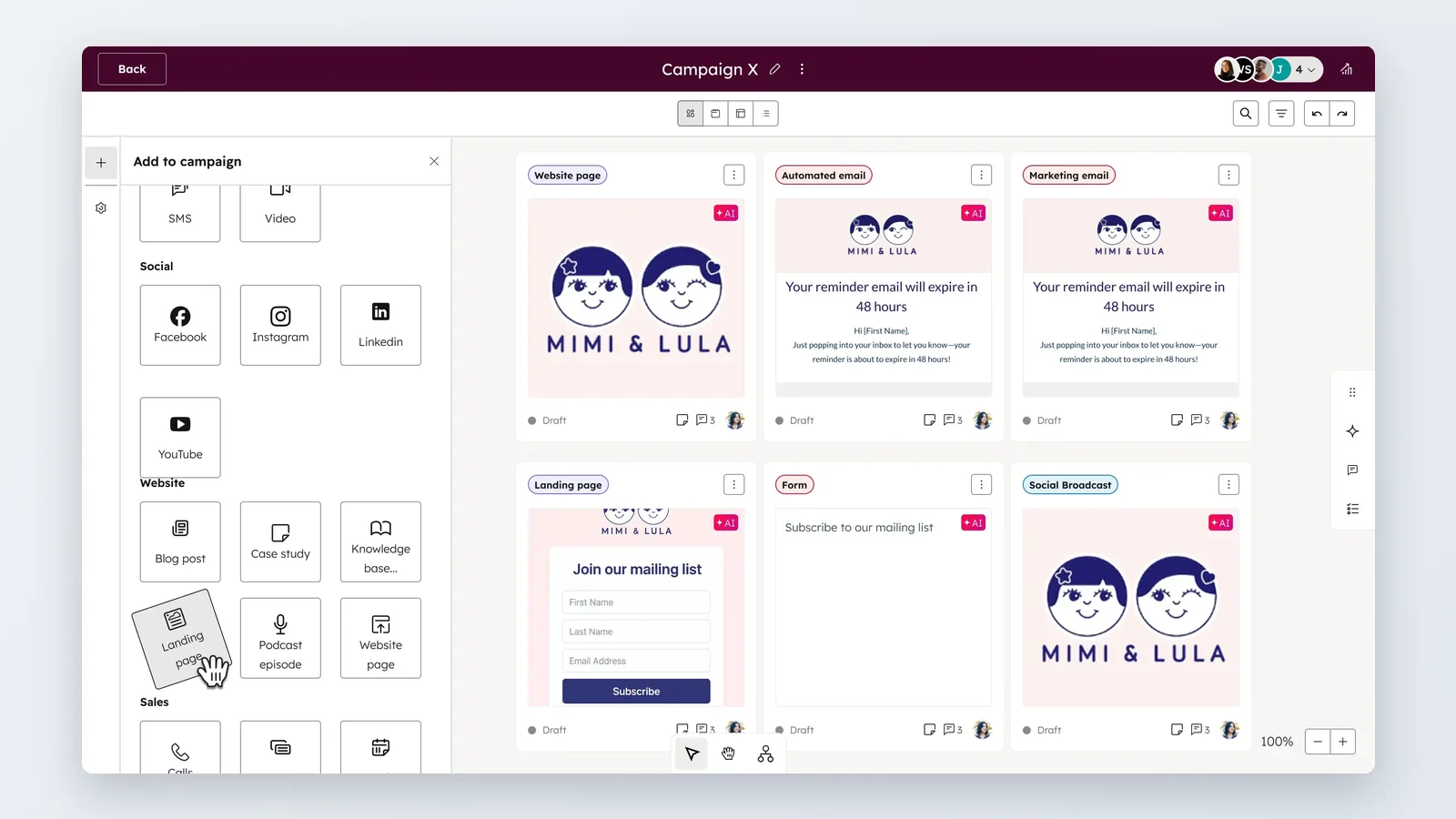
HubSpot earns its place when your bottleneck is fragmentation: contacts in one tool, forms in another, nobody sure which email produced the deal. One record, one set of workflows, one reporting view.
HubSpot’s pricing page lists Marketing Hub Professional at $800/mo on annual billing or $890/mo month-to-month, with 3 Core Seats included and each additional Core Seat from $45/mo. HubSpot’s pricing guide notes that committing annually saves $90 per month, $800 versus the $890 month-to-month rate.
To compare it against per-user tools, divide the monthly figure by the three seats you are already paying for, then add $45/mo for each person beyond that. A fourth marketer changes the math more than most teams expect.
Starting smaller is possible: HubSpot’s Starter tier includes 500 HubSpot Credits and 1,000 marketing contacts, according to HubSpot’s pricing page. That is enough to test forms, lists and a nurture sequence before the Professional conversation. If the stack question is bigger than one vendor, this practical guide to what an AI-powered marketing cloud actually includes sorts the layers.
Fits you if you run lifecycle marketing against a sales pipeline and need attribution you can defend.
Skip it if your entire program is a monthly newsletter and two landing pages — the seat floor buys capacity you will not use.
2. Mailchimp
Mailchimp stays on the list because email is still the channel a small team can run without agency help, and the AI assists sit inside the send workflow rather than in a separate app.
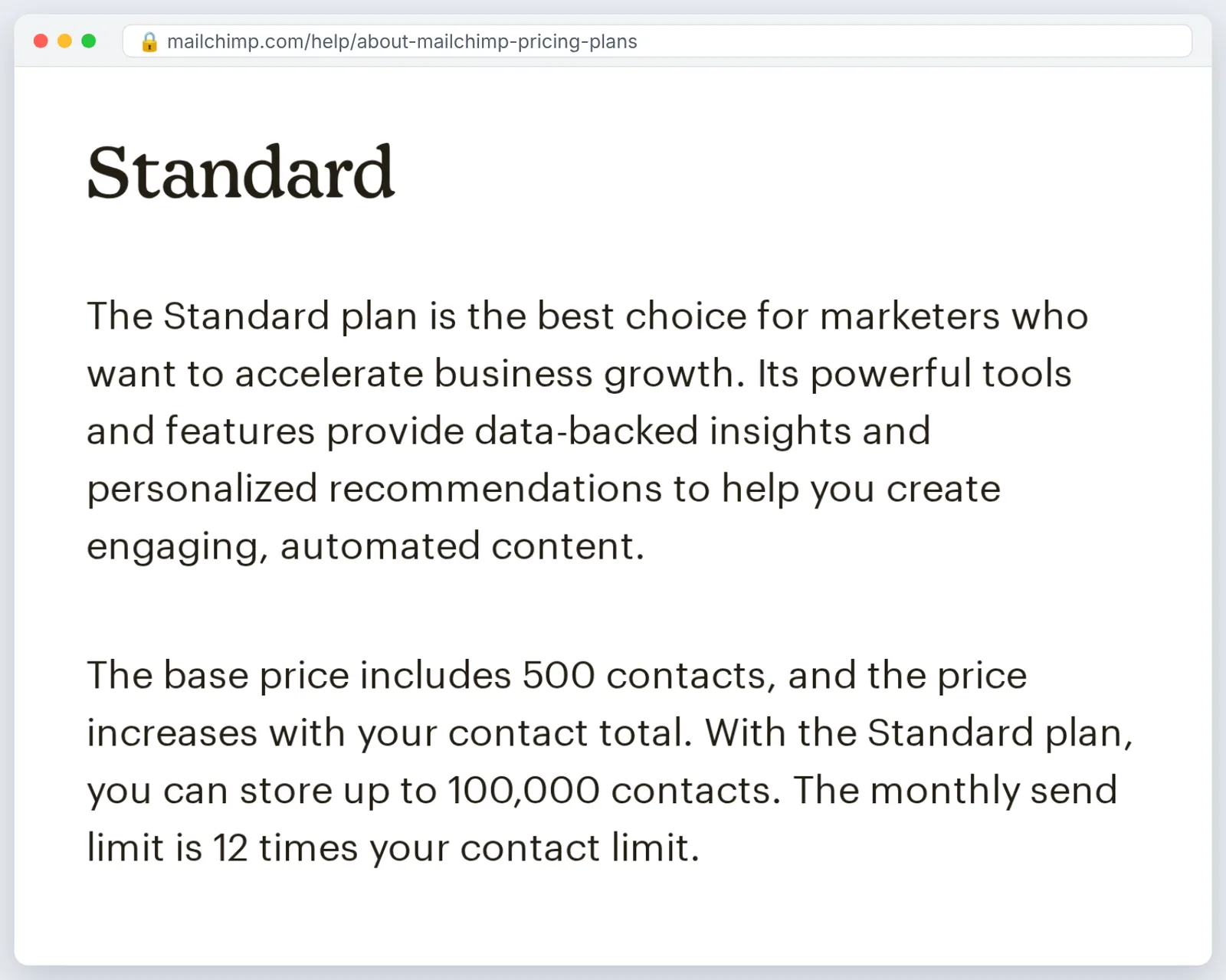
Mailchimp’s help center states that the Standard plan stores up to 100,000 contacts and caps monthly sends at 12 times the account’s contact limit. Mailchimp’s help center also states that the Essentials plan stores up to 50,000 contacts and caps monthly sends at 10 times the account’s contact limit.
Those two caps are the whole cost conversation. Multiply your list size by how many campaigns and automated emails each contact receives per month, then check the result against the 10× or 12× multiplier for the tier you are pricing.
Automations count against sends too, which is where re-engagement series and abandoned-cart flows quietly push a team up a tier. Audit your active automations before you blame list growth. If your emails need more than text, start with what makes video email marketing actually play in the inbox.
Fits you if email drives most of your revenue and you want AI help with subject lines, segments and send timing in one place.
Skip it if you need deal-stage reporting tied to a sales team — that is a CRM job, not an email platform job.
3. Jasper
Jasper belongs on a shortlist when the constraint is copy volume: ad variants, product descriptions, nurture sequences, the same offer rewritten for five audiences. The value is throughput, not literary quality.
Pricing is not covered by the sources used for this guide, so check the vendor’s current plan page and convert it to cost per writer seat per month before comparing it with a general assistant subscription. Without that conversion, a per-seat quote and a flat subscription look like the same expense when they are not.
Judge it on two things in a trial. First, how much editing each draft needs against your real brief, not a demo prompt. Second, whether brand voice settings hold across a long piece or drift after a few paragraphs.
A practical trial design: take four briefs you already shipped last quarter, regenerate them, and time the edit pass. If editing takes as long as writing did, the seat is not paying for itself.
Fits you if one person is responsible for copy across paid, email and organic and the backlog never clears.
Skip it if you publish a handful of considered pieces each month — a careful writer with a general assistant covers that load.
4. Canva Magic Studio
Canva Magic Studio is the fastest route from "we need a visual" to "the visual is live" for teams without a designer. Templates plus generative edits cover social posts, simple ads and sales one-pagers.
Plan details are not covered by the sources used here, so price it per brand seat per month from Canva’s own page and count how many people genuinely need editing rights versus view access. Seat inflation is the usual budget leak with design tools.
The quality test is boring and effective. Rebuild one asset you already paid a designer for, then put both in front of someone outside marketing and ask which looks like your brand.
Watch export specs before you commit a workflow to it, especially aspect ratios and file size rules for ad platforms. For the paid-social side of that decision, see this roundup of AI tools for Facebook and Instagram ad creatives in ecommerce.
Fits you if your team ships many small visuals weekly and nobody on payroll opens professional design software.
Skip it if you maintain a strict design system with a designer who owns it — template drift will cost you more than it saves.
5. Zapier
The last pick is not a content tool. Zapier earns budget when the other four are working and your people are still copying data between them by hand.
Price it per automated task per month using the vendor’s current plan page, then compare that against the hours your team spends on the same transfers. A lead that takes four minutes to move from form to CRM to Slack is a recurring cost, not a one-off annoyance.
Count the transfers before you shop. Write down every place a person retypes something that already exists somewhere else — form to CRM, order to spreadsheet, reply to Slack — and estimate minutes per week for each one. That list doubles as your cancellation test: if the top three chains have not freed measurable time after a month, the subscription is not earning its slot.
Before paying, confirm each app in those chains is supported in the direction you need. A connector that only reads data when you need it to write is a dead end.
Start with one chain, not twelve. Build it, watch it for two weeks, and keep a written note of what happens when it fails, because silent automation failures cost more than manual work.
Fits you if your stack is three or more tools that do not talk to each other natively.
Skip it if everything already lives inside one platform with native workflows — you would be paying to cross a bridge you are already standing on.
Which one fits you
Pick by constraint, not by feature list. The table below maps common small-team situations to the first tool worth paying for.
| If this is your situation | Then start with |
|---|---|
| Sales team needs lifecycle data on one record | HubSpot Marketing Hub |
| Email is the revenue channel and the list is growing | Mailchimp |
| Copy backlog across paid, email and organic | Jasper |
| No designer, many small visuals weekly | Canva Magic Studio |
| Tools work, but people move data by hand | Zapier |
Video is the deliberate gap here, since filming still needs a person, a room and a retake budget that none of the five picks removes; if weekly explainer or translated video is your actual bottleneck, price a dedicated platform such as AI Studios per finished minute against a freelance editor’s per-video quote, and use these video marketing tools built for small teams to scope the category.
The pressure to buy everything at once is worth resisting. Federal Reserve researchers report that about 18 percent of U.S. firms had adopted AI as of year-end 2025, based on Census Bureau survey data — meaning most U.S. firms have not adopted it at all, and there is no stampede to keep up with.
Larger employers skew the headline numbers. The November Survey of Business Uncertainty estimates that 78 percent of the U.S. labor force works at firms that have adopted AI, and about 54 percent at firms using large language models, according to Federal Reserve researchers.
A workable sequence for one quarter: buy the tool that removes your worst bottleneck, run it for six weeks, record hours saved and assets shipped, and only then add the second. Cancel anything that has not changed a number on your dashboard by the end of the quarter.
Frequently asked questions
Which AI marketing tool should a two-person team buy first?
Start with the one that removes your biggest bottleneck. If that is email, Mailchimp’s help center says Essentials stores up to 50,000 contacts with monthly sends capped at 10 times the contact limit. If it is scattered data, HubSpot’s pricing page lists a Starter tier with 500 HubSpot Credits and 1,000 marketing contacts, which is enough to test forms and a nurture sequence before you commit.
Is HubSpot Marketing Hub worth $800 a month for a small team?
It depends on seat count and sales alignment. HubSpot’s pricing page lists Marketing Hub Professional at $800/mo on annual billing or $890/mo month-to-month with 3 Core Seats included, and extra Core Seats from $45/mo. Divide $800 by three seats before comparing it with per-user tools, and test the Starter tier’s 1,000 marketing contacts first.
How many contacts can Mailchimp hold before I need to upgrade?
Mailchimp’s help center states that Essentials stores up to 50,000 contacts and Standard stores up to 100,000 contacts. Send volume matters as much as storage: Essentials caps monthly sends at 10 times the contact limit, Standard at 12 times, and automated flows count toward that total.
How do I compare tools that do not publish a price?
Three of the five picks here — Jasper, Canva Magic Studio and Zapier — have no price in the sources used for this guide, so they cannot be priced from it. Decide the unit first (per writer seat, per brand seat, per automated task), pull the current figure from the vendor’s own plan page on the day you buy, then divide by the output you actually ship each month.
Are small businesses really using AI tools in 2026?
Adoption is still a minority, not the norm. According to the U.S. Census Bureau’s Business Trends and Outlook Survey, overall business AI usage stayed between 17% and 20% from December 2025 to May 2026, and fewer than 20% of U.S. firms with four or fewer employees reported using AI.
Sources
- Marketing Software Pricing | HubSpot
- HubSpot’s Marketing Hub pricing guide — AI-powered software for marketers
- About Mailchimp Pricing Plans | Mailchimp Help
- Large Firms With at Least 20 Employees Biggest AI Users (U.S. Census Bureau)
- Monitoring AI Adoption in the U.S. Economy (FEDS Notes, Federal Reserve Board)
Written with AI assistance and fact-checked against the sources cited above before the AI Marketings Editorial Team published it.